· PlayWerewolf Team · strategy · 3 min read
Host a Werewolf Game Night
How to organize a smooth, memorable Werewolf night with friends — from invites to the final vote.
A great Werewolf night is part game, part theater, and part roast. Whether you are hosting for the first time or refining your routine, a little structure goes a long way.
Planning Your Game Night
Pick the Right Group Size
- 6–9 players is the sweet spot for beginners. Games are fast, and everyone stays engaged.
- 10–12 players turns the chaos up. Expect longer discussions and more complex dynamics.
PlayWerewolf supports six game modes. For a first session, start with Classic 9 (3 Wolves, 3 Villagers, Seer, Witch, Hunter). Once everyone knows the roles, experiment with Idiot 9 or Guard modes.
Set Expectations
Let new players know the basic flow before the first night. Share the How to Play guide ahead of time. Explain that lying is encouraged, personal attacks are not, and the goal is fun first, winning second.
Create the Room Early
Send the PlayWerewolf room link ahead of time. Players can join from their phones without creating accounts — guest login works instantly. You can set up a Voice Room (AI-narrated speech) or Text Room (silent, text-only).
Running the Game
Before the First Night
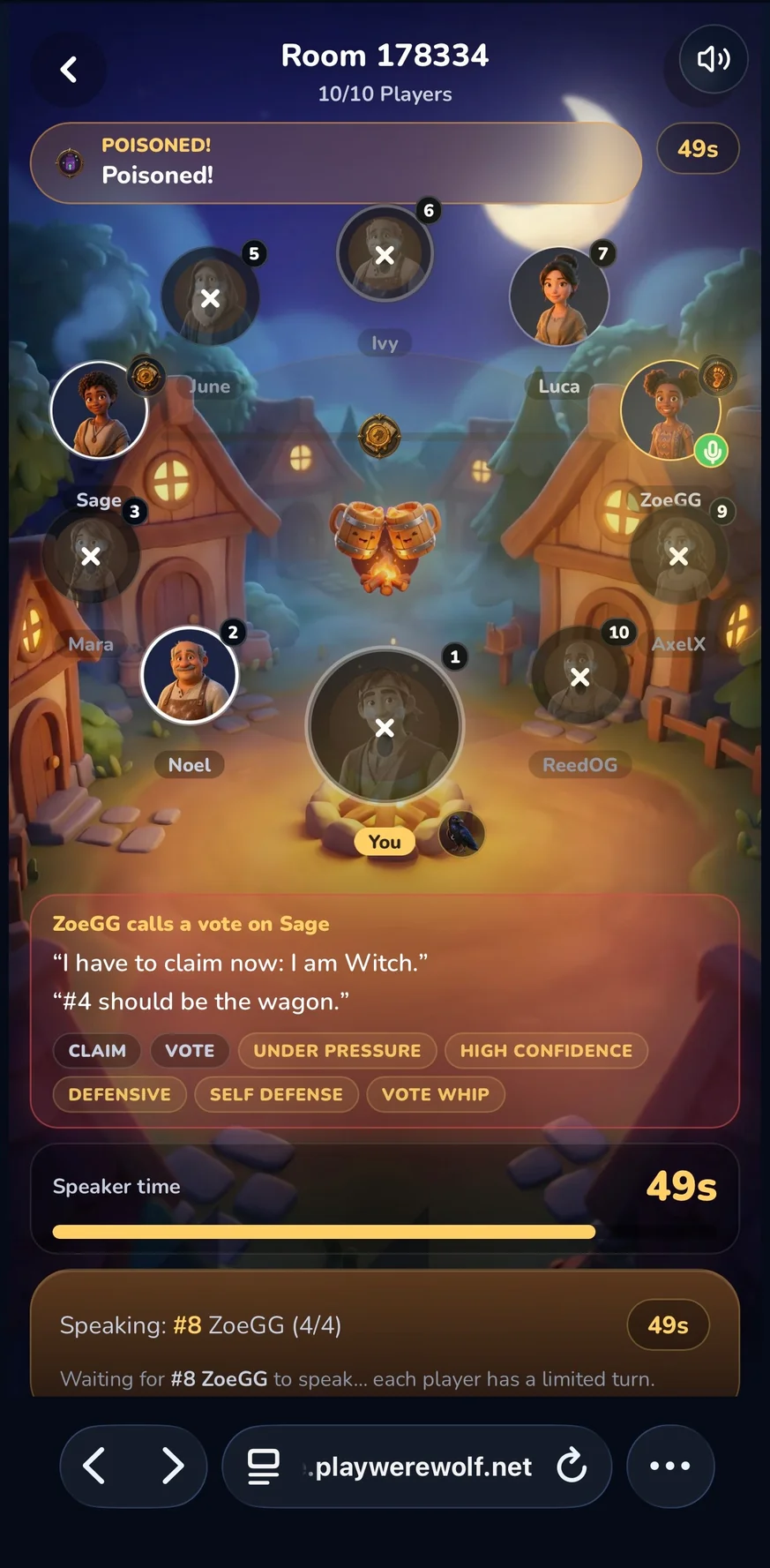
Let players read their roles silently. The app handles role assignment and phase transitions, so you do not need a moderator.
Keep the Pace
- Use the in-game timer (60 seconds per speaker) to avoid stalls.
- Encourage quiet players to speak — even a wrong observation advances the game.
- If discussion stalls, move to the vote. A bad vote is better than no vote.
Handle Disputes
Sometimes a player gets defensive or frustrated. Remind the group that Werewolf is a game of deception — being accused does not mean anyone is attacking them personally. The rematch button is always there.
Hosting for Mixed Experience Levels
If your group has both veterans and newcomers:
- Pair experienced players with beginners in voice chat
- Play a warm-up game against AI bots so everyone learns the interface
- Let veterans take information roles (Seer, Witch) while new players try Villager or Hunter
- After the game, review the settlement screen together — the analysis tab shows voting patterns and relationship graphs
After the Game
Reveal the roles, laugh about the lies, and immediately rematch. The best Werewolf nights always end with “one more game.”
Use the replay system to rewatch standout moments. Generate a share link and send it to friends who missed the session. The Match Analysis tab shows relationship graphs, voting flows, and key moments.
Remote Game Night Tips
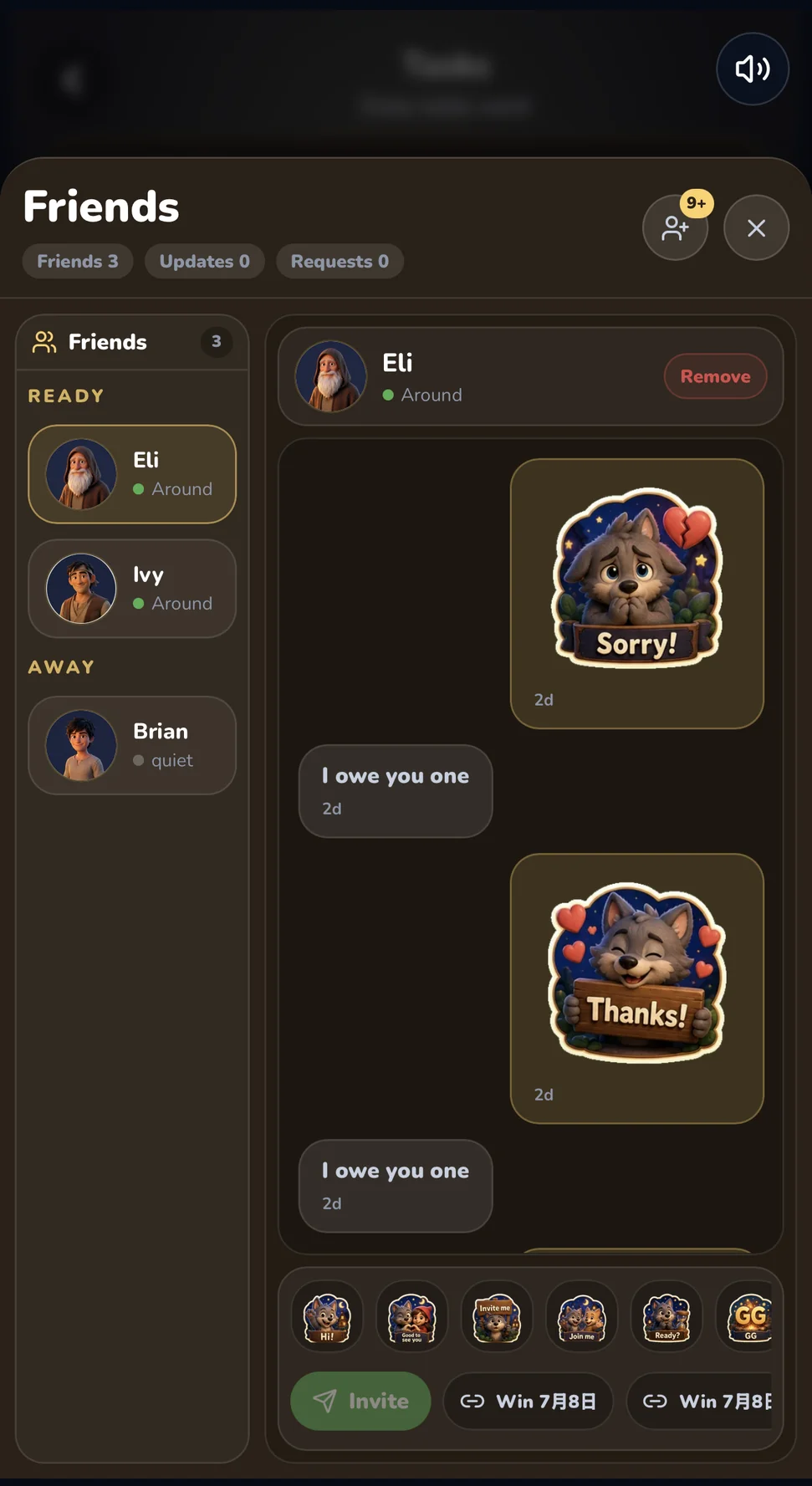
- Use the Friends Drawer to track who is online and send invites
- Quick messages and emoji stickers keep the chat lively between rounds
- Create a registration invite code to bring new players into the game (30-day TTL, up to 50 redemptions)
- Switch between Voice Room and Text Room to match your group’s vibe
The village is waiting. Create your room and let the night begin.