· PlayWerewolf Team · how-to-play · 5 min read
Werewolf Game Walkthrough — From Lobby to Settlement
A complete walkthrough of a Werewolf match on PlayWerewolf: lobby, role assignment, night, discussion, voting, settlement, and everything in between.
This walkthrough follows a single match from start to finish. Whether you are new to the game or just new to the online version, here is exactly what happens at every step.
0. The Lobby
You land in the Lobby — the central hub. The room list shows active games with their mode, player count, and current phase. You can:
- Quick Match — Auto-matchmaking finds a game in three phases: instant full lobbies, then partial fills with seeds, then any humans with AI bots. You can cancel while waiting.
- Create Room — Pick a mode, toggle Voice or Text room, share the room ID.
- Join Room — Enter a room ID to join a specific game.
- Pick Avatar — Choose from 23 navy circular portraits.
Your level, XP bar, and coin balance are shown in the header.
1. Waiting Phase
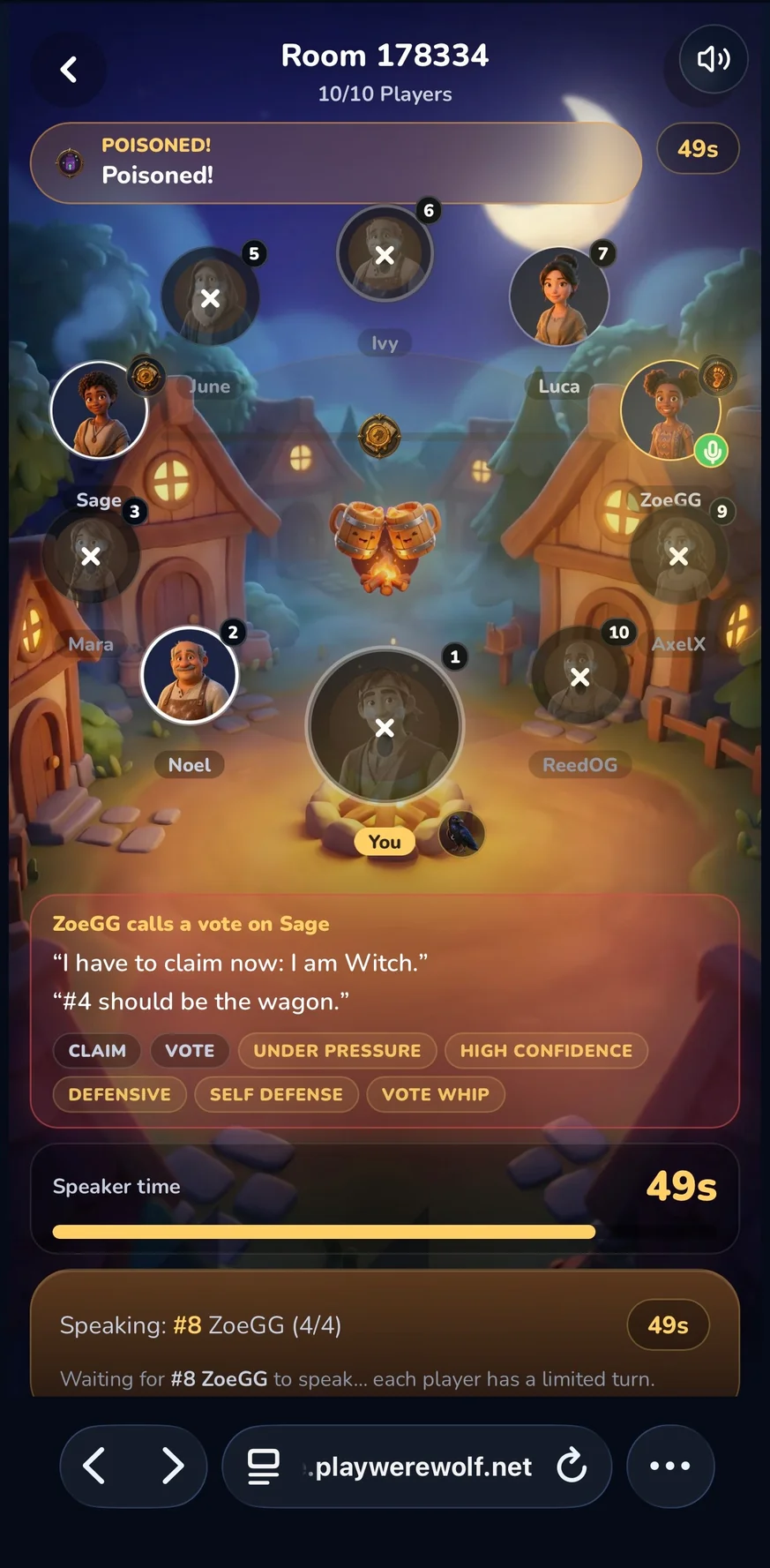
Once in a room, you see the other players at a circular table (the PlayerRing). Hit Ready. The host starts when everyone is ready, or an auto-start countdown begins.
The room ID is visible — copy it and share with friends.
2. Role Assignment
The game deals roles randomly. A RoleCard appears with a parchment-style animation revealing your identity:

Werewolf
Hunt at night. Deceive by day.

Villager
No powers — only persuasion and deduction.

Seer
Inspect one player each night.

Witch
One heal and one poison per game.

Hunter
May shoot someone when killed.

Guard
Protect one player from wolf attacks — not the same person twice in a row.

Idiot
Survive being voted out — but lose your voice and vote forever.
Each card shows the role name, faction (Villager or Werewolf), color-coded mark, and ability tip. If you own the right pet, your role affinity gives you an 8% boost toward getting that role.
3. Night Phase
Night falls. A PhaseBanner curtains the screen with a spring animation. The BGM switches to night theme.
Different roles see different screens:
- Werewolf — See your pack members. Vote together on a victim. Cannot target fellow wolves.
- Seer — Check one player’s alignment. Result persists even if you disconnect and reconnect.
- Witch — See who the wolves targeted. Use your Heal to save them or your Poison to eliminate a different player (one heal + one poison total per game).
- Guard — Protect one player. Cannot protect the same person on consecutive nights.
- Hunter — If you are killed, you take one player with you (or spare).
- Villager — “The village sleeps. Wait for dawn…”
The night stage sequence is: Wolves → Guard (if present) → Witch.
4. Dawn — Day Announce
The PhaseBanner slides again. “Day Announce” reveals who was killed overnight (or announces “no one died” if the Witch healed or the Guard protected).
If the Hunter was killed, they choose their target now.
Drama moments trigger automatically: a DramaMomentOverlay with SVG seat-pulse animations and audio cues for events like poison hits, clutch saves, or misfires.
5. Discussion Phase
The DiscussionPanel opens. Players speak in turn. A timer (60 seconds) shows how long you have.
In Voice Rooms, you compose speech acts via template buttons:
- Claim Role — Say you are a specific role (truth or bluff)
- Report Check — Share a seer result (with target and camp)
- Accuse — Point at a suspect
- Defend — Push back against an accusation
- Call Vote — Rally the village against someone
- Used Skill — Announce your power usage
- Pass — Yield your time
Each speech act carries tone, confidence, and tell cues — deterministic behavioral indicators derived from AI profiles. Observant players can learn to read them.
In Text Rooms, you type freely using Speak and Finish Speaking buttons.
While others speak, you can open the TableReadDrawer — a deduction panel with player dossiers, a relationship graph, a spotlight bar, and dialogue cards showing speech history.
The ToastLog shows wooden-sign notifications for every event (accusations, defenses, votes).
6. Voting Phase
When discussion ends, the VotePanel opens. All alive players vote to exile one player:
- Tap a player’s portrait to vote for them
- Tap Abstain to skip (voted-out Idiots and dead players cannot vote)
Live vote tallies update on each portrait. If there is a tie, no one is exiled — a drama moment fires. If a majority is reached, the exiled player’s role is revealed.
If the exiled player is the Idiot, they flip their card, survive, but lose speech and voting rights permanently.
7. Next Round or Game Over
The game loops back to Night for the next round — unless the win condition is met.
- Villagers win when all Werewolves are dead.
- Werewolves win when either all civilians or all power roles are dead (Side Kill), or when wolves equal or outnumber the village (Parity in Classic 6).
When the game ends, the GAME_OVER phase triggers.
8. Settlement
The SettlementView screen shows:
- VictoryConfetti — Canvas-confetti burst (gold for winners, cooler palette for losers)
- RewardSummary — XP and coins earned, with multiplier breakdowns (first win, streak, weekend bonus)
- Jackpot notification — If you hit the 4% chance, +80 bonus coins
- MatchView — Full post-match analysis (Story, Players, Analysis tabs)
- Intermission timer — 20 seconds to vote Rematch
If the majority votes rematch, everyone goes back to the Waiting phase in the same room. Otherwise, the room dissolves.
9. Post-Game
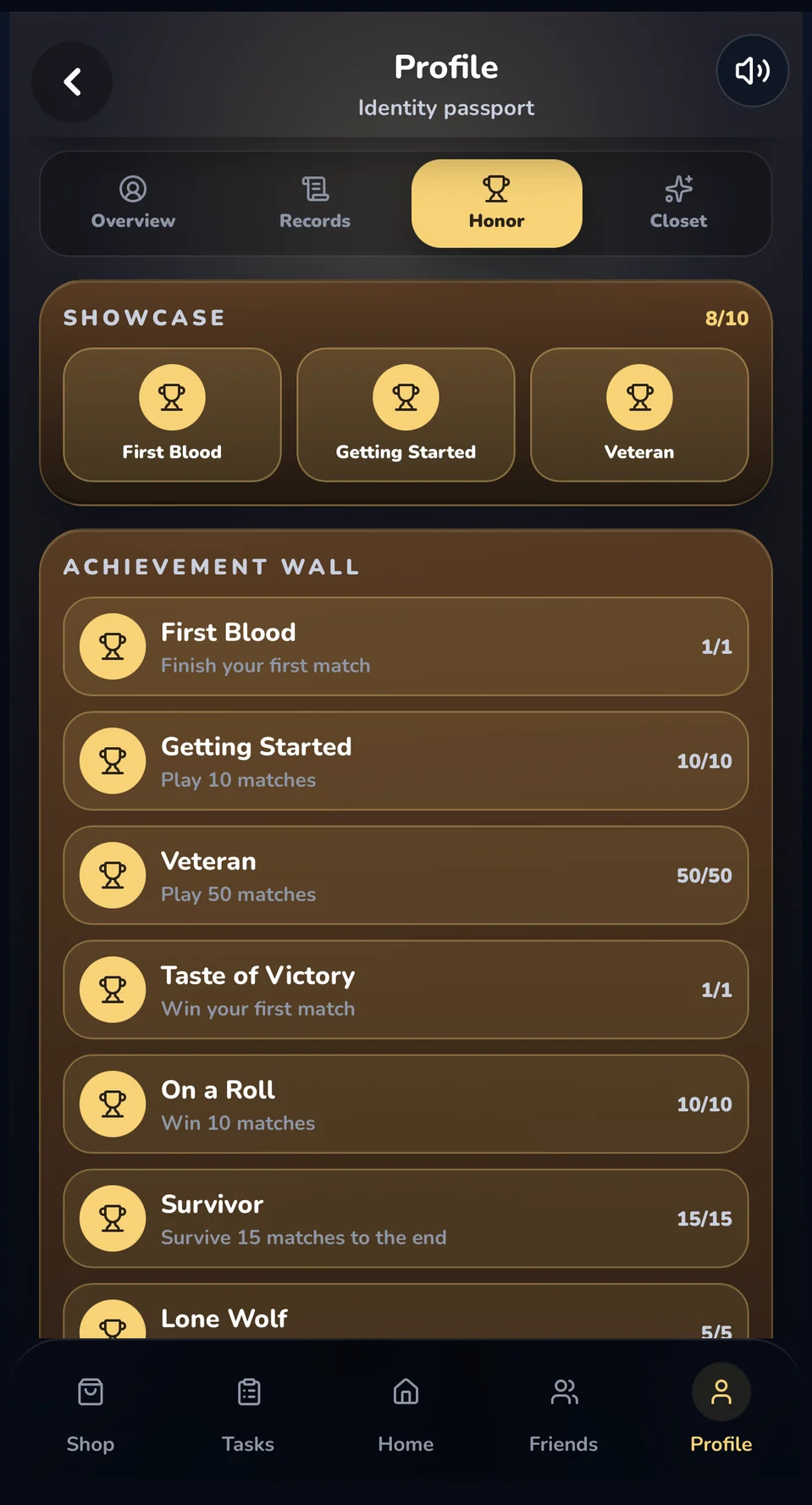
After settlement, you return to the Lobby. Your updated XP, coins, and streak are reflected in the header. Any completed tasks show completion. Achievements auto-update.
The match replay is saved and accessible from your Profile → Records tab.
That is the full lifecycle of a Werewolf match on PlayWerewolf. From lobby to settlement, every phase is designed to keep the drama high and the friction low.
Play your first match — the village awaits.